Upload any file and get an API-ready URL
A workflow already has the file. The next step only accepts a URL. Upload once with the REST API or uploader and get a temporary public CDN URL, JSON metadata, expiry, and a cleanup handle without building storage first.
- Reviewed by
- GetFileURL technical team
- Updated
- Input
- PDF, image, document, export, app attachment
- Response
- url, file_id, delete_url, content_type, size, expires_at
- Setup
- No storage bucket, CORS rule, or CDN setup needed for the handoff
- Header check
- curl -I returns 200 OK and the right Content-Type
- Next step
- n8n, Make, Zapier, Pipedream, OCR, AI, APIs
What this page answers
It uploads a file from an app, workflow, or API and returns a public HTTPS URL that another service can fetch directly.
- Reviewed by
- GetFileURL technical team
- Last updated
One request in, a URL and JSON out
curl -X POST https://api.getfileurl.com/v1/files \
  -H 'Authorization: Bearer $GETFILEURL_KEY' \
  -H 'Accept: application/json' \
  -F 'file=@invoice.pdf' \
-F 'visibility=public'{
"file_id": "file_8ks41p",
"url": "https://cdn.getfileurl.com/f/file_8ks41p",
"delete_url": "https://api.getfileurl.com/v1/files/file_8ks41p",
"content_type": "application/pdf",
"size": 248913,
"status": "ready",
"expires_at": "2026-06-26T10:30:00.000Z"
}The file handoff as a system, not a share link
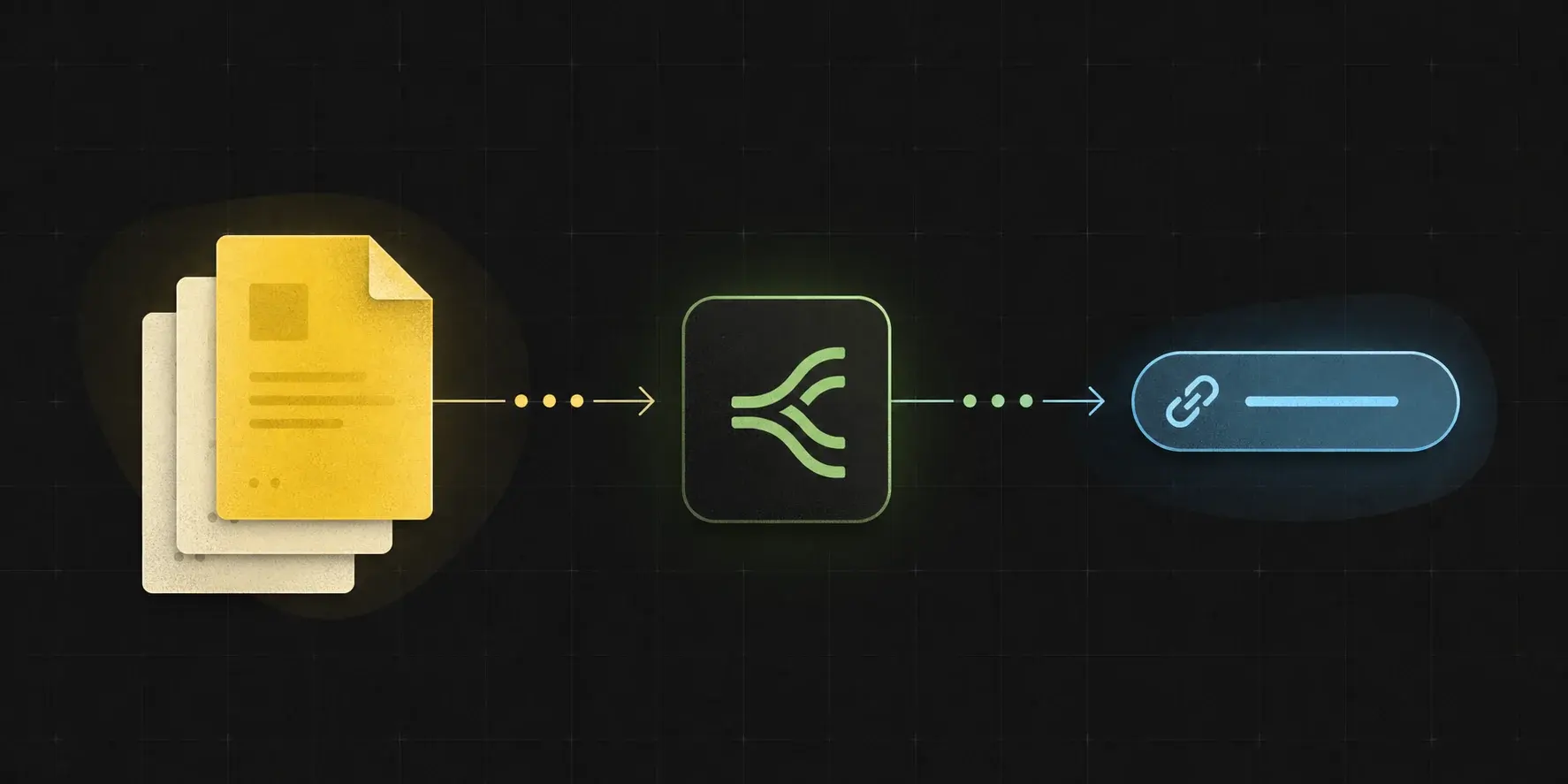
A workflow file should move through one upload relay, then return a URL, metadata, and a cleanup handle the next step can use.
The next step needs bytes, not a private app link.
Files generated by automations often stay trapped inside the source tool. GetFileURL gives the next service a real public file URL with predictable headers, expiry, and delete controls.
Automation handoffs
Send files from n8n, Make, Zapier, Pipedream, Airtable, or Google Drive into any API that asks for a public URL.
Developer uploads
Use one endpoint instead of setting up object storage, CDN behavior, CORS, and lifecycle cleanup for every small workflow.
AI and document work
Pass generated images, OCR inputs, reports, invoices, and document exports through tools that only accept HTTPS file URLs.
Replace fragile source links with one fetchable file URL.
A file to URL converter is useful when the original link is meant for a user interface, not for an API that must fetch the raw file bytes.
Google Drive or app preview link
Preview and share links can return HTML, redirects, or permission screens. Upload the exported file and pass the returned direct URL instead.
Base64 or webhook payload
Do not pass a large encoded payload through every step. Decode it once, upload the bytes, and map the returned URL into the destination API.
Private attachment URL
If a Zapier, Make, Airtable, Monday, or CRM file URL needs a login session, convert the file into a temporary public URL before the next fetch.
A file URL should not become unmanaged public storage.
Every upload is designed around a workflow job: return the URL, preserve metadata, track expiry, and keep deletion reachable by API.
Expiry metadata
Store the returned expiry timestamp so the workflow can plan retries and cleanup.
Delete by API
Store `file_id` or `delete_url` from the JSON response and delete the file after the downstream step finishes.
Debuggable output
Keep file name, size, type, and URL behavior visible so failed workflows can be diagnosed quickly.
A file to URL workflow should be easy to verify.
Generic share links can hide redirects, login pages, or preview HTML. Check the returned GetFileURL link like an API client would before passing it to OCR, AI, social, or document systems.
Fetch the URL directly
Run `curl -I https://cdn.getfileurl.com/f/file_8ks41p/invoice.pdf` and confirm the file returns `200 OK` without a browser session.
Check `Content-Type`
The header should match the file, such as `application/pdf`, `image/png`, or `text/csv`, so downstream APIs know how to process it.
Keep cleanup beside the URL
Store `url`, `file_id`, `delete_url`, and `expires_at` together so the workflow has a clear end state.
Check the failure mode before rebuilding storage.
When a file handoff fails, the problem is usually URL accessibility, content type, expiry, size, or a redirecting source link.
Wrong content type
Upload the original file so the delivered URL can return a useful MIME type for OCR, AI, social, and document APIs.
Expired or private source
Do not pass a temporary app attachment URL onward. Upload the file and pass the returned CDN URL instead.
Blocked downstream API
Confirm the API accepts public HTTPS URLs and the file size is within both GetFileURL and downstream limits.
Use this when the next tool cannot fetch the original file.
The strongest file-to-URL use cases are not human sharing links. They are machine handoffs where an API must fetch the file without your browser session.
Source is a workflow file
The file starts as n8n binary data, a Make scenario file, a Zapier attachment, a Drive export, a webhook payload, or a backend upload.
Destination asks for a URL
OCR, AI, document parsing, social publishing, CRM, and webhook APIs often request a public HTTPS file URL.
The job needs an end state
Store the returned `expires_at`, `file_id`, and `delete_url` so public access can be tracked and deleted when the workflow finishes.
Copy the same upload shape into code
curl -X POST https://api.getfileurl.com/v1/files \
  -H 'Authorization: Bearer $GETFILEURL_KEY' \
  -F 'file=@invoice.pdf' \
  -F 'visibility=public'

{
  "file_id": "file_8ks41p",
  "url": "https://cdn.getfileurl.com/f/file_8ks41p/invoice.pdf",
  "content_type": "application/pdf",
  "visibility": "public",
  "expires_at": "2026-06-26T10:30:00.000Z"
}Common questions
What is a file to URL converter for automations?
It uploads a file from an app, workflow, or API and returns a public HTTPS URL that another service can fetch directly.
Is this generic file hosting?
No. GetFileURL is built around workflow handoffs: JSON response, metadata, expiry, deletion, and direct CDN delivery for downstream APIs.
Can I upload Base64 as well as multipart files?
Use multipart for the upload API. If the source system only gives Base64, decode it into file bytes with a filename and content type, then upload those bytes as the multipart `file` field.