Upload API reference for file to URL workflows
Use this upload file API when a workflow, script, or backend needs a REST API upload file request that returns a public URL, delete URL, metadata, expiry, and file ID.
- Reviewed by
- GetFileURL technical team
- Updated
- Method
- POST
- Path
- https://api.getfileurl.com/v1/files
- Auth
- Authorization: Bearer <api_key>
- Body
- multipart/form-data with file and optional visibility
- Verify
- curl -I returned url shows 200 OK and the expected Content-Type
What this page answers
Send an upload file API request to POST https://api.getfileurl.com/v1/files with Authorization: Bearer <api_key> and a multipart form body that includes the file as the file field.
- Reviewed by
- GetFileURL technical team
- Last updated
One request in, a URL and JSON out
curl -X POST https://api.getfileurl.com/v1/files \
  -H 'Authorization: Bearer $GETFILEURL_KEY' \
  -H 'Accept: application/json' \
  -F 'file=@invoice.pdf' \
-F 'visibility=public'{
"file_id": "file_8ks41p",
"url": "https://cdn.getfileurl.com/f/file_8ks41p",
"delete_url": "https://api.getfileurl.com/v1/files/file_8ks41p",
"content_type": "application/pdf",
"size": 248913,
"status": "ready",
"expires_at": "2026-06-26T10:30:00.000Z"
}The file handoff as a system, not a share link
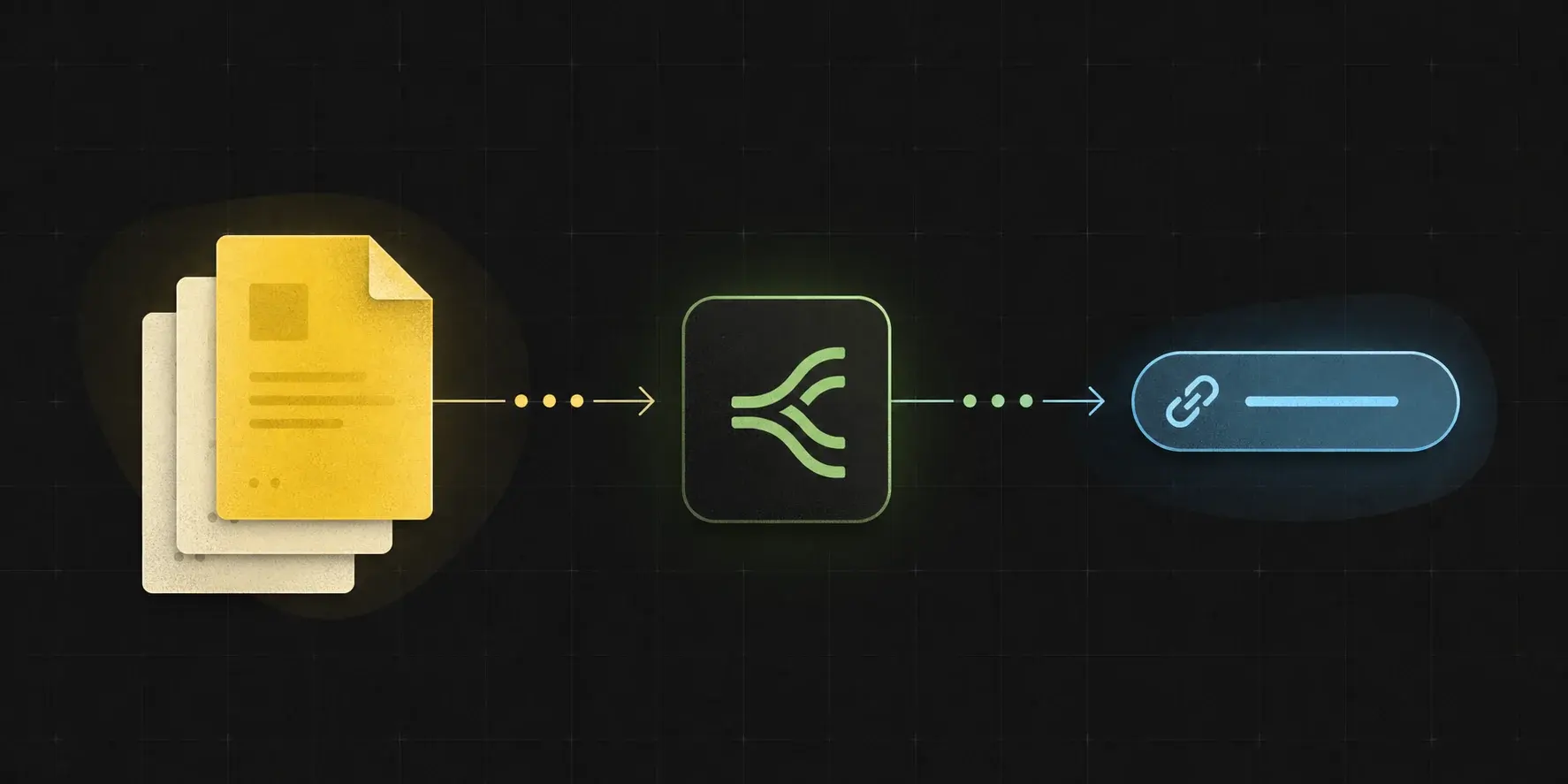
The docs page keeps the request, response, error, expiry, and delete model visible in one API shape.
Send multipart form data with a file field.
A REST API upload file request should send the actual file bytes, not a preview URL or app attachment object. Put the file in the multipart `file` field and keep the API key out of public browser code.
file
Required multipart file part. This is the file the API uploads and turns into a public URL.
visibility
Optional field. Use `public` for a direct CDN URL or `signed` when delivery should require a token.
Content type
The endpoint reads the uploaded file and returns the delivered `content_type` in response JSON.
Map the returned JSON into the next API call.
The response is built for workflow parsers. Store the file ID for lookup and deletion, keep the delete URL for cleanup, and pass the URL directly to the next tool.
url
Direct public CDN URL for the uploaded file.
file_id and delete_url
`file_id` is the stable identifier. `delete_url` is the authenticated delete path for this file.
content_type, size, status
Use these fields to confirm what was uploaded and whether the file is ready or still scanning.
expires_at
Exact timestamp when public access ends. Use this field for retry timing and cleanup logs.
Check the returned URL like the next API will.
Upload success is not only a 200 response from the upload endpoint. The file URL also needs to serve the right bytes and headers when the destination fetches it.
Run curl -I
Run `curl -I <returned-url>` and confirm `200 OK` before mapping the URL into OCR, AI, webhooks, or imports.
Check Content-Type
Confirm the header matches the file, such as `Content-Type: application/pdf`, `image/png`, or `text/csv`.
Keep response metadata
Store `content_type`, `size`, `status`, `file_id`, `delete_url`, and `expires_at` beside the workflow job for debugging.
Errors should tell a workflow builder what to fix.
Structured errors make automation debugging easier than generic failures. Error JSON includes an error code, plain message, request ID, and docs URL.
401 unauthorized
Missing, expired, or invalid API key.
413 file_too_large
Uploaded file exceeds the plan or endpoint limit.
415 unsupported_file_type
File type is blocked by account policy or MIME validation.
429 rate_limited
Too many uploads in a short period. Slow down or retry after the window.
Check limits, expiry, and delete behavior in one place.
The API documents how limits are enforced without requiring callers to guess. The response and errors make retention and cleanup clear.
Rate limits
Rate-limit responses should identify the limit, retry window, and whether the caller should slow uploads or upgrade.
File size limits
Upload errors should clearly say when a file exceeds the current plan or endpoint maximum.
Expiry and delete behavior
Use `expires_at` for the access window and store `file_id` or `delete_url` for authenticated deletion after the workflow finishes.
Copy the same upload shape into code
curl -X POST https://api.getfileurl.com/v1/files \
-H 'Authorization: Bearer $GETFILEURL_KEY' \
-H 'Accept: application/json' \
-F 'file=@invoice.pdf' \
-F 'visibility=public'
{
  "file_id": "file_8ks41p",
  "url": "https://cdn.getfileurl.com/f/file_8ks41p",
  "delete_url": "https://api.getfileurl.com/v1/files/file_8ks41p",
  "content_type": "application/pdf",
  "size": 248913,
  "status": "ready",
  "expires_at": "2026-06-26T10:30:00.000Z"
}Common questions
How do I upload a file with the API?
Send an upload file API request to `POST https://api.getfileurl.com/v1/files` with `Authorization: Bearer <api_key>` and a multipart form body that includes the file as the `file` field.
Which endpoint uploads a file?
Use `POST https://api.getfileurl.com/v1/files` with bearer authentication and multipart form data.
What should I store from the response?
Store `url` for the next workflow step, `file_id` for lookup and support, `delete_url` for cleanup, and `expires_at` for retry timing.
How do I delete the uploaded file?
Call `DELETE /v1/files/{file_id}` with the same bearer key, or call the returned `delete_url`, after the downstream system has fetched the file.
What errors should I handle first?
Handle `unauthorized`, `file_too_large`, `unsupported_file_type`, `quota_exceeded`, and `rate_limited` first because those are the common upload workflow branches.