A file upload API that returns the URL your workflow needs
Use the REST upload file API at `POST /v1/files`: send multipart form data with a `file` field, get `url`, `file_id`, `delete_url`, `content_type`, `size`, `status`, and `expires_at`, then pass the URL to the next system.
- Reviewed by
- GetFileURL technical team
- Updated
- Auth
- Authorization: Bearer $GETFILEURL_KEY
- Request
- multipart/form-data with file=@invoice.pdf
- Response
- file_id, url, delete_url, content_type, size, status, expires_at
- Cleanup
- DELETE /v1/files/{file_id} or call delete_url
What this page answers
A file upload API lets your app or workflow send a file to an endpoint and get JSON back. GetFileURL returns a direct public CDN URL, file ID, delete URL, content type, size, status, expiry, and request ID.
- Reviewed by
- GetFileURL technical team
- Last updated
One request in, a URL and JSON out
curl -X POST https://api.getfileurl.com/v1/files \
  -H 'Authorization: Bearer $GETFILEURL_KEY' \
  -H 'Accept: application/json' \
  -F 'file=@invoice.pdf' \
-F 'visibility=public'{
"file_id": "file_8ks41p",
"url": "https://cdn.getfileurl.com/f/file_8ks41p",
"delete_url": "https://api.getfileurl.com/v1/files/file_8ks41p",
"content_type": "application/pdf",
"size": 248913,
"status": "ready",
"expires_at": "2026-06-26T10:30:00.000Z"
}The file handoff as a system, not a share link
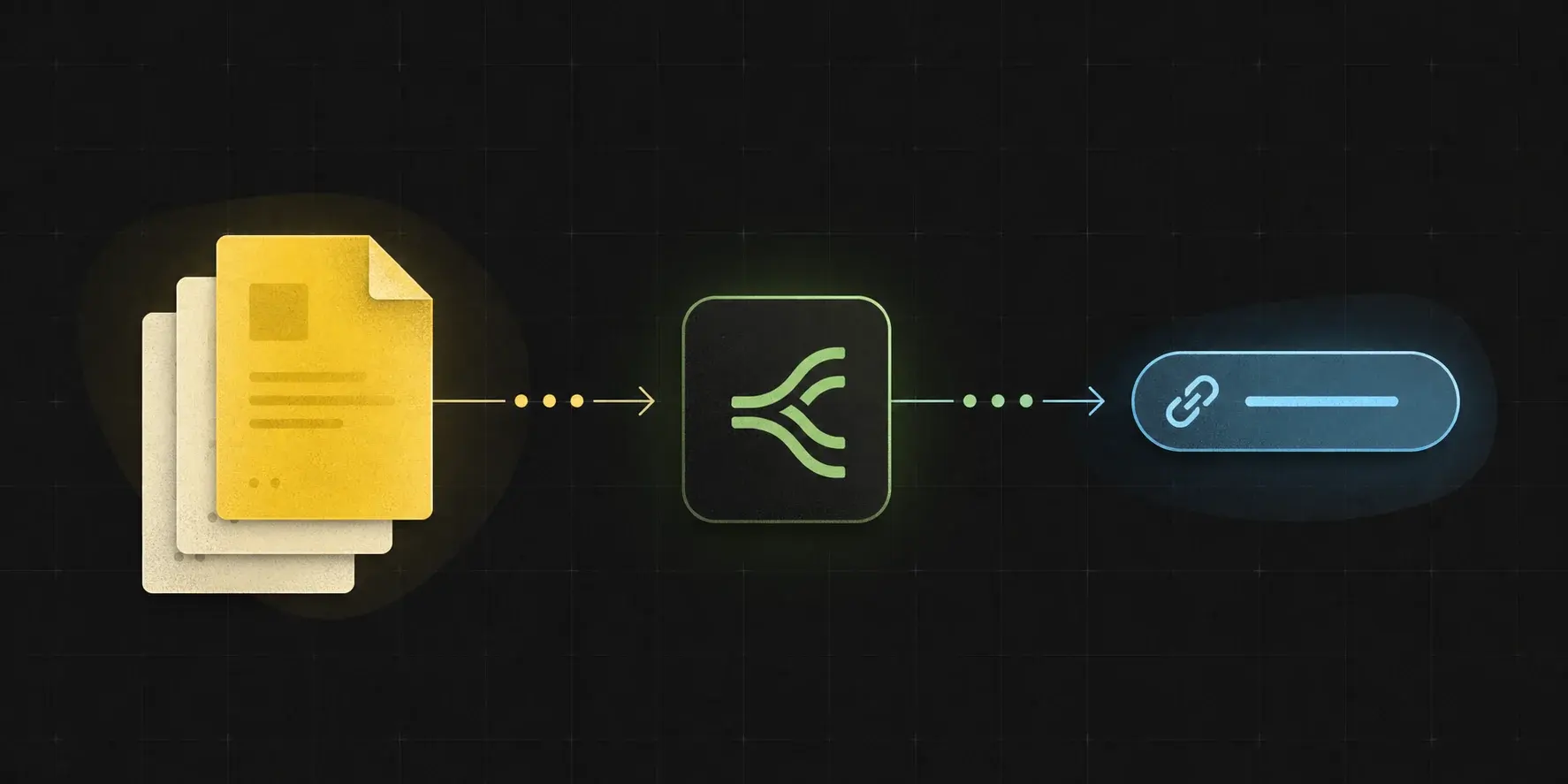
The upload API is intentionally narrow: accept the file, return a direct URL and JSON fields, then let the caller send that URL onward.
A file upload API accepts the file and returns a URL.
GetFileURL is an API file upload service for apps, scripts, and workflow tools. A REST API upload file request sends the bytes as multipart form data and receives JSON with a public CDN URL plus fields for expiry and cleanup.
Endpoint
`POST https://api.getfileurl.com/v1/files` is the main upload file API endpoint.
Auth header
Send `Authorization: Bearer <api_key>` from a trusted backend, worker, script, or automation secret store.
Multipart request
Use `Content-Type: multipart/form-data` and attach the actual file as the `file` field.
Most upload helpers become storage projects.
S3, R2, presigned URLs, CORS, content types, cache behavior, and cleanup are solvable, but they are not the workflow you wanted to build.
No redirect pages
The returned URL should resolve to the file bytes, not an HTML preview, sign-in wall, or sharing page.
Correct headers
Downstream OCR, AI, social, and document APIs need stable content type and content length behavior.
Lifecycle included
Keep expiry and delete actions near the upload response instead of bolting cleanup on later.
Useful in code and in no-code automation tools.
The same endpoint can sit behind a React app upload form, a backend job, an n8n HTTP Request node, a Make scenario, or a Pipedream step.
cURL, JS, Python
Copy examples into backend routes, workers, scripts, or workflow code steps.
n8n HTTP Request
Upload binary data from a previous node and map the returned URL into the next API call.
Webhook-friendly
Use the JSON output in any system that can parse a response and continue a workflow.
Design the API around fields workflow builders actually map.
An upload API for automations should make the next step obvious in logs, mapping panels, and retry branches. The response should not hide the fields that explain the file.
Stable response keys
`url`, `file_id`, `delete_url`, `size`, `content_type`, `status`, and `expires_at` are easy to copy into code and no-code field mappers.
Actionable errors
`unauthorized`, `file_too_large`, `unsupported_file_type`, `quota_exceeded`, and `rate_limited` errors explain what the caller should fix.
Lifecycle near upload
Keep `expires_at` for logs and retry timing, then keep `file_id` or `delete_url` for cleanup.
Limits should be easy to branch on.
The API should make size, type, quota, and rate-limit failures clear enough for a workflow to retry, ask for a smaller file, or stop cleanly.
File too large
`413 file_too_large` means the upload is larger than the current plan or endpoint allows.
Unsupported type
`415 unsupported_file_type` means the content type or file extension is blocked by policy.
Rate limited
`429 rate_limited` means the caller should slow down, wait, or reduce concurrent uploads.
Copy the same upload shape into code
curl -X POST https://api.getfileurl.com/v1/files \
-H 'Authorization: Bearer $GETFILEURL_KEY' \
-H 'Accept: application/json' \
-F 'file=@invoice.pdf' \
-F 'visibility=public'
{
  "file_id": "file_8ks41p",
  "url": "https://cdn.getfileurl.com/f/file_8ks41p",
  "delete_url": "https://api.getfileurl.com/v1/files/file_8ks41p",
  "content_type": "application/pdf",
  "size": 248913,
  "status": "ready",
  "expires_at": "2026-06-26T10:30:00.000Z"
}Common questions
What is a file upload API?
A file upload API lets your app or workflow send a file to an endpoint and get JSON back. GetFileURL returns a direct public CDN URL, file ID, delete URL, content type, size, status, expiry, and request ID.
What does the upload API return?
The upload response returns `url`, `file_id`, `delete_url`, `content_type`, `size`, `status`, `visibility`, `upload_source`, `expires_at`, and `request_id`.
Can I delete a file later?
Yes. Store the returned `file_id` and call `DELETE /v1/files/{file_id}`, or call the returned `delete_url`, when the workflow no longer needs the public URL.
What content type should I send?
Send multipart form data with the real file bytes in the `file` field. The response returns the detected or preserved `content_type` that the CDN URL will serve.
Is this a replacement for S3?
It is a simpler file URL layer for workflow handoffs. Use object storage directly when you need broad storage primitives and custom infrastructure.