UploadToURL alternative for file to URL
UploadToURL can be the right tool when its broader product is the job. GetFileURL fits the narrower case: the file already exists, and the next step needs a direct URL, JSON fields, and a clear end state.
- Reviewed by
- GetFileURL technical team
- Updated
- UploadToURL
- Use UploadToURL when you want a focused public URL upload service with existing automation integrations.
- GetFileURL
- GetFileURL fits when lifecycle controls, cleanup, and workflow debugging are part of the buying reason.
- Reviewed
- 2026-05-30
What this page answers
Not always. GetFileURL is focused on workflow file URL handoffs. Keep UploadToURL if its broader platform features are the reason you chose it.
- Reviewed by
- GetFileURL technical team
- Last updated
Compare the workflow fit
| Check | Compared product | GetFileURL |
|---|---|---|
| Best fit | Use UploadToURL when you want a focused public URL upload service with existing automation integrations. | GetFileURL fits when lifecycle controls, cleanup, and workflow debugging are part of the buying reason. |
| Response fields | Check whether the response is easy to map into n8n, Make, Zapier, Pipedream, OCR, AI, or document APIs. | Returns a direct URL, file ID, content type, size, expiry, and delete-ready metadata for the next workflow step. |
| Review date | Recheck live product claims before publishing exact pricing, limits, or availability. | Last reviewed 2026-05-30. |
The file handoff as a system, not a share link
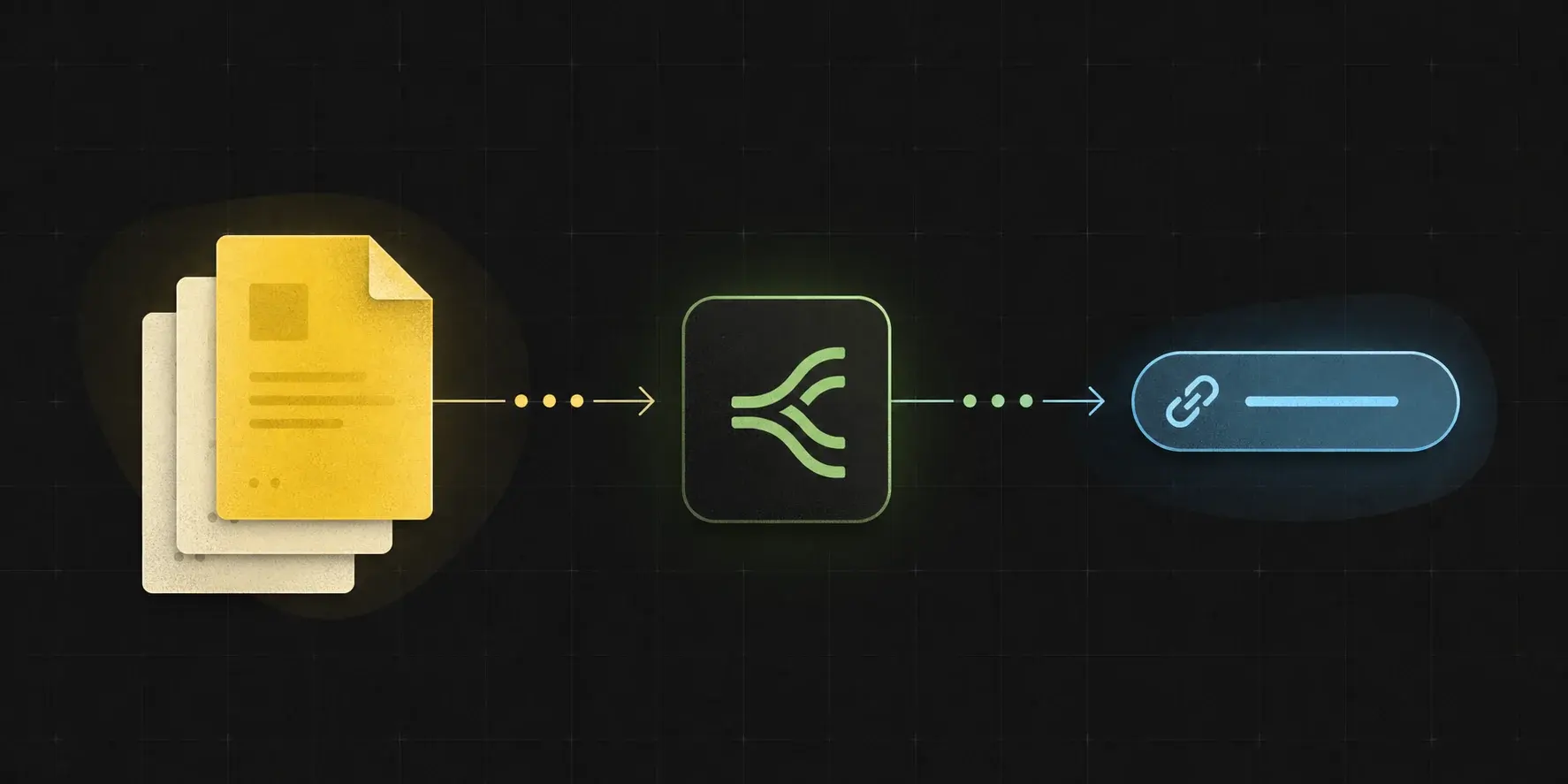
The comparison is not only upload versus upload. It is whether the response is shaped for direct API fetching, workflow debugging, expiry, and cleanup.
Choose based on the file's next job.
The wedge is not generic hosting. It is making the returned URL safe to pass through n8n, Make, Zapier, Pipedream, OCR, AI, and document APIs.
Use UploadToURL when
Use UploadToURL when you want a focused public URL upload service with existing automation integrations.
GetFileURL fits when
GetFileURL fits when lifecycle controls, cleanup, and workflow debugging are part of the buying reason.
Ask before choosing
Will the next system fetch the URL from a server, and does the workflow need expiry, deletion, or debugging fields?
Compare the response, not only the upload.
For automation builders, upload is only the first step. The response shape decides whether the next step is easy to map and debug.
Direct file URL
The URL should resolve to bytes that the destination API can fetch without a browser session.
Machine-readable JSON
The response should include the URL, file ID, content type, size, and lifecycle fields.
Cleanup path
The file should have an explicit end state through expiry, deletion, or workspace retention policy.
Compare the workflow contract before comparing brand names.
A good alternative page should help the buyer decide whether they need a platform, storage primitive, media tool, or narrow file-to-URL relay.
Access model
Does the returned URL fetch file bytes directly, or does it open a preview page, signed redirect, account-gated asset, or app-specific wrapper?
Response contract
Can the workflow map stable fields such as `url`, `file_id`, `content_type`, `size`, `expires_at`, and request or error identifiers?
Lifecycle controls
Can the workflow expire or delete public access after OCR, AI, publishing, import, or webhook processing finishes?
Move one handoff at a time instead of rewriting storage.
The safest migration is to replace the one step that turns a file into a URL, then leave the surrounding workflow unchanged until the response is proven.
Baseline the current step
Record what UploadToURL returns today: final URL, content type, file ID or handle, expiry, delete path, and the destination API result.
Swap the upload call
Use `POST /v1/files`, map `response.url` into the same downstream field, and keep `file_id` beside the workflow job for cleanup.
Validate from the destination
Confirm the downstream system can fetch the URL server-side, then compare retry behavior, expiry timing, and delete-after-success handling.
Keep comparison claims durable and source-checkable.
Pricing, feature limits, free tiers, and platform packaging change often. The comparison avoids unsupported live-plan claims and focuses on workflow behavior that can be verified in implementation.
Last reviewed
This comparison page was last materially reviewed on 2026-05-30. Update that date only when the comparison text changes.
Pricing discipline
Do not publish exact competitor prices, limits, or availability unless they are verified from official pages at the time of update.
Implementation proof
Prefer a working upload request, returned JSON, destination fetch result, and cleanup branch over broad category claims.
Move only the handoff layer if the workflow needs stronger lifecycle fields.
UploadToURL can be a useful focused upload-to-link service. The reason to evaluate GetFileURL is when teams want the URL response, cleanup handle, and workflow debugging story to be the product surface.
Keep the same source files
The starting files still come from n8n, Make, Zapier, Pipedream, Airtable, Google Drive, webhooks, APIs, or app uploads.
Compare returned fields
Check whether your workflow receives a direct URL, file ID, content type, size, expiry, and a documented delete path.
Compare failure handling
Look for clear handling of expired links, unsupported types, large files, rate limits, and destination APIs that fetch asynchronously.
Choose the product that matches the file's next job.
If the file is for quick sharing, a simple uploader may be enough. If the file is an input to another machine, the response contract matters more than the upload form.
Human sharing
Use a simple upload link when a person only needs to open or download the file.
Machine fetching
Use an API-first file URL layer when OCR, AI, social, document, CRM, or webhook systems must fetch the file server-side.
Production cleanup
Prefer an explicit expiry and delete model when files are public only for a job, retry window, or customer workflow.
Common questions
Is GetFileURL a drop-in replacement for UploadToURL?
Not always. GetFileURL is focused on workflow file URL handoffs. Keep UploadToURL if its broader platform features are the reason you chose it.
What should I compare first?
Compare the returned URL behavior, JSON response fields, cleanup controls, and how easily the result maps into n8n, Make, Zapier, Pipedream, or API code.
Should alternative pages mention pricing?
Pricing changes often. The durable comparison is whether the product solves direct URL handoff, lifecycle, and workflow debugging needs.